List of keyboard shortcuts
Shortcuts available in the flow designer:
ctrl+alt+f: to toggle the fullscreen mode.shift+click, hold & drag: to draw a multi-selection area.Escape: to remove any active multi-selection. Also removes the selection of the selected step and collapses the properties panel.
Steps multi-selection:
It is possible to select several steps or a full flow at once by pressing the above shortcut. This is a useful to relocate fast the flow or a portion of it as you can see in the below image:
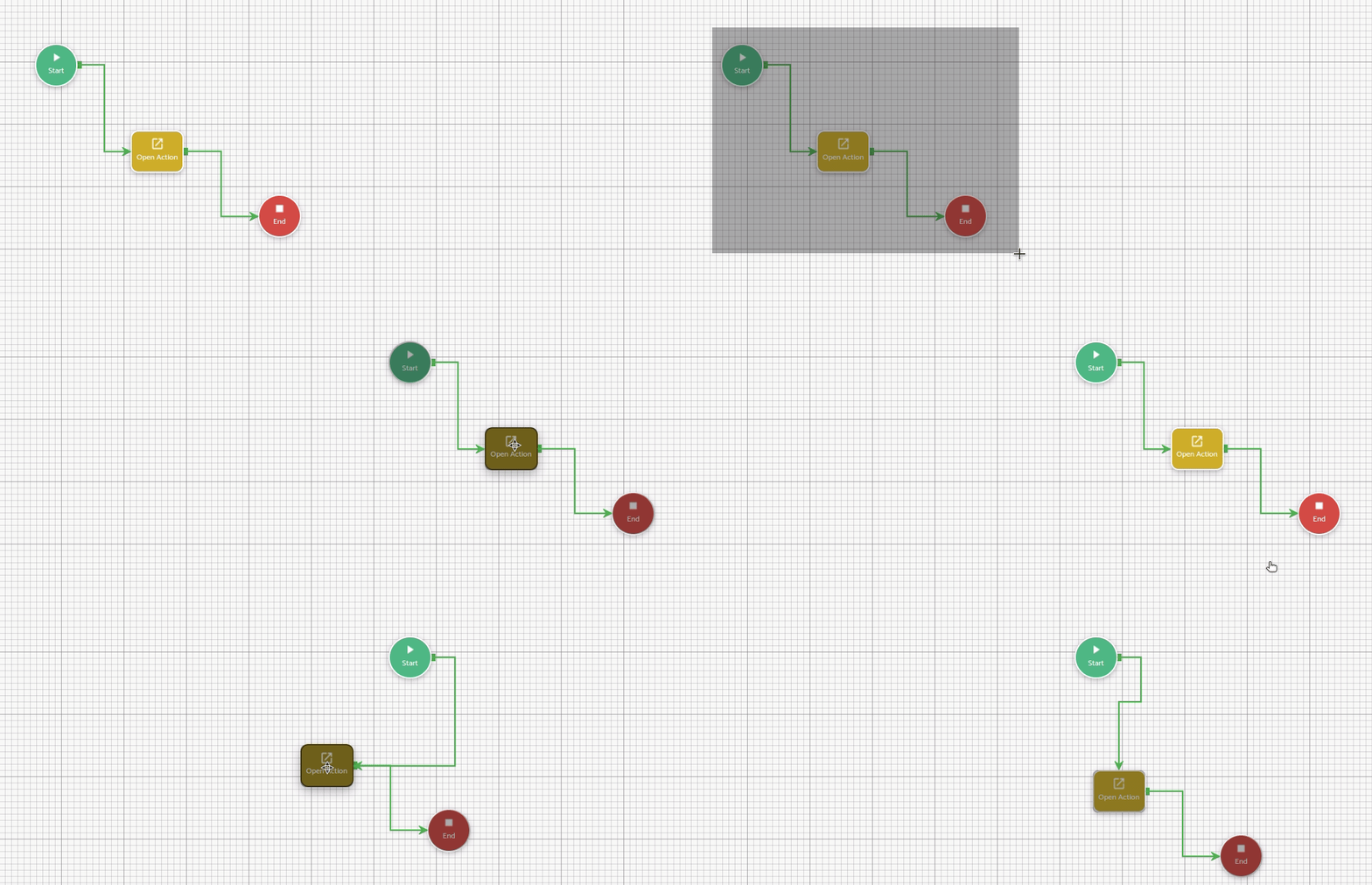
Tip: To exit multi-selection mode, press the Escape key.